
Searching Cases by Name
Arizona Public Access offers two search modes: by name and by case number. Name mode leans on the Last/Business Name field. Add a First Name to narrow a person. Use the date-of-birth controls to cut down false matches. The Court selector matters most, since the system spans participating courts across Arizona. Pick the known Apache County court whenever you can.
- Enter the surname or business name exactly as known.
- Add the first name only when the initial list is too broad.
- Choose the Apache Superior, Justice, or Municipal Court tied to the matter.
- Review the filing date, court location, and status before opening a result.
- Read the event history and newest hearing rather than relying on the list row alone.
| Field | Required | Use |
|---|---|---|
| Last/Business Name | Yes in name mode | Surname or organization |
| First Name | No | Narrows common surnames |
| Date of Birth | No | Optional narrowing controls |
| Court | No | Limits matches to the likely custodian |
| Registration hold | No | Shows only cases with that hold when selected |
Skip the temptation to sweep up unrelated results from an Apache County court docket search.
Apache County Case Search Courts
Even perfect spelling can return nothing when you are pointed at the wrong court. Apache County splits its work across three levels. Superior Court keeps felony, major civil, family, probate, juvenile, and appellate files. The Justice Courts hold limited civil, small-claims, eviction, misdemeanor, traffic, preliminary felony, and protection-order matters. Municipal Courts handle city ordinance, misdemeanor, and traffic cases.
Northstar needs special care. Chinle and Puerco consolidated in 2023, but their district hearing places remain. St. Johns Justice and Municipal Court share one building while keeping distinct files. Eagar and Springerville Municipal Courts share a counter. They keep separate identities too. Select the court that issued the citation or pleading.
Best narrowing step: Confirm the court location before comparing case titles, dates, or status labels.
Apache County Search Update Cycle
Public Access refreshes each Friday and carries information through Wednesday. A very recent Apache County filing or hearing change can fall outside that window. Treat the date gap as a reason to call the court, not as proof the event never happened.
Searching by Case Number
Copy every letter and digit from the source document exactly. Public Access splits the prefix from the numeric part. Its official traffic example uses TR and 19010111. eAccess accepts full or partial identifiers, including forms like CR202301234. One failed attempt is no reason to invent punctuation or strip a prefix.
A single dispute can carry more than one number. A Justice or Municipal appeal can receive a Superior Court identity. The lower file keeps its old one. Apache consolidation rules also route later filings under the lowest controlling number. Confirm the court before testing a second valid number. A traffic prefix, civil code, or criminal code names the case type. But a sound match still needs the full number and the court.
Apache County eAccess Case Search
Public Access locates free index data. eAccess goes further, searching eligible Superior Court civil and criminal events and selling document images. Basic search takes a full or partial case number. It also takes an Event Description and a court selector. Advanced search adds more. It covers date range, case title, participant or business name, event type, Apache County, judicial officer, and case type. The official eAccess application is where account search and document purchase actually happen.
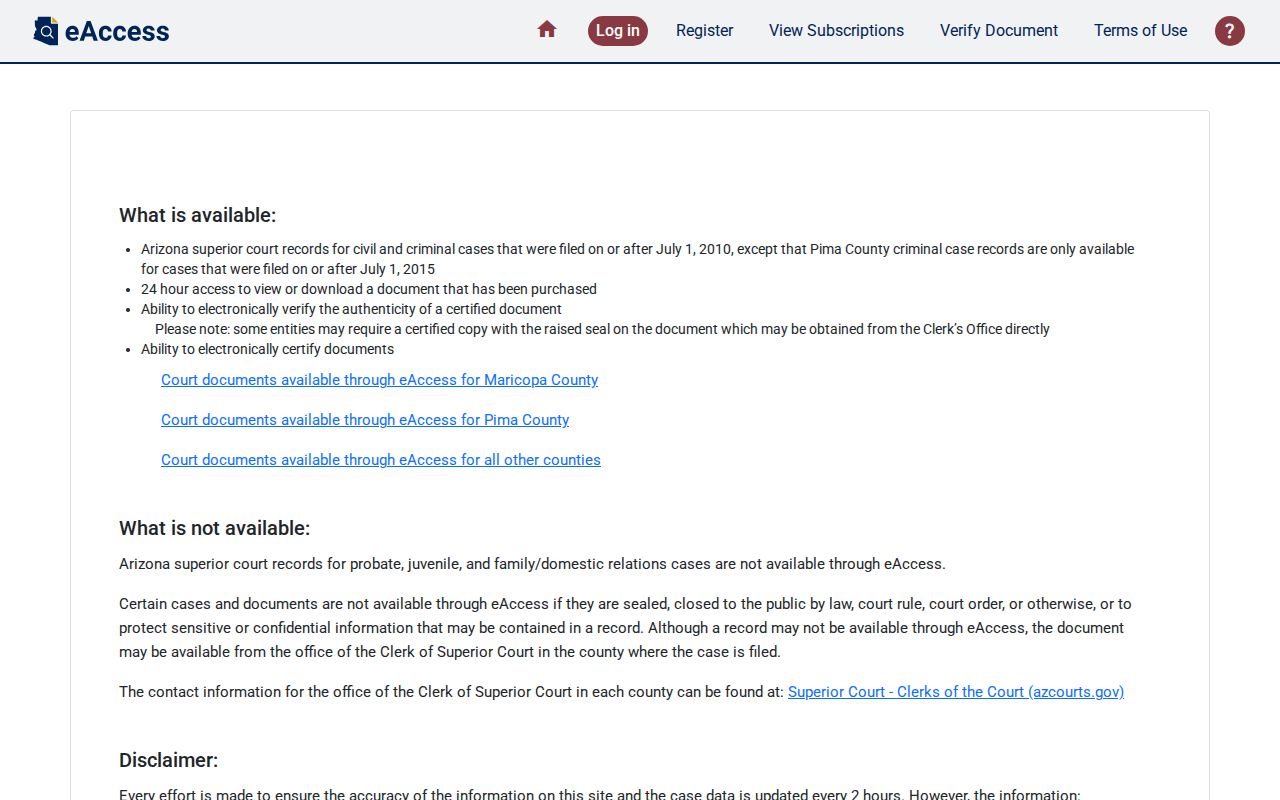
The eAccess application shows the separate document layer behind an Apache County case search. Broad terms with All Courts can error out. Add a court, case type, county, or date first. Results can then be sorted, adjusted by page size, and exported, up to a cap.
Apache County Search Export Limits
eAccess can export sorted results to Excel or CSV after CAPTCHA. The system caps results at 1,000, so a broad event word can be both slow and incomplete. Add Apache County, a court, case type, or date range before treating the export as a working list.
What a Case Search Returns
Open a result and read it in order. Case Information establishes identity, and Party Information lists public participants. Criminal Charge Information is count-specific, Event Information runs in date order, and Hearing Information carries the court date, room, type, and entered result.
| Case Information | Number, filing date, title, category, status, location, and assigned officer |
|---|---|
| Party Information | Public participants, roles, and displayed attorneys |
| Charge Information | Statute, description, classification, and disposition for each public charge |
| Event Information | Chronological filing, order, and court-action labels |
| Hearing Information | Courtroom, date, hearing type, and result |
| Document Status | Preview icon or “Document Not Available Online” when applicable |
A blank disposition does not prove dismissal. A motion label is a request, not an order. A watermarked first-page preview is unofficial, so obtain the signed ruling when the actual terms matter.
Apache County Case Search Data Lag
Arizona Public Access refreshes on Friday. Data runs through Wednesday. A filing or reset after the covered date may not appear yet. Compare any result against the court's calendar. Call the office that owns the file when timing matters. The state's FY2025 judiciary report documents ongoing modernization and data work. The official data report provides that broader context.
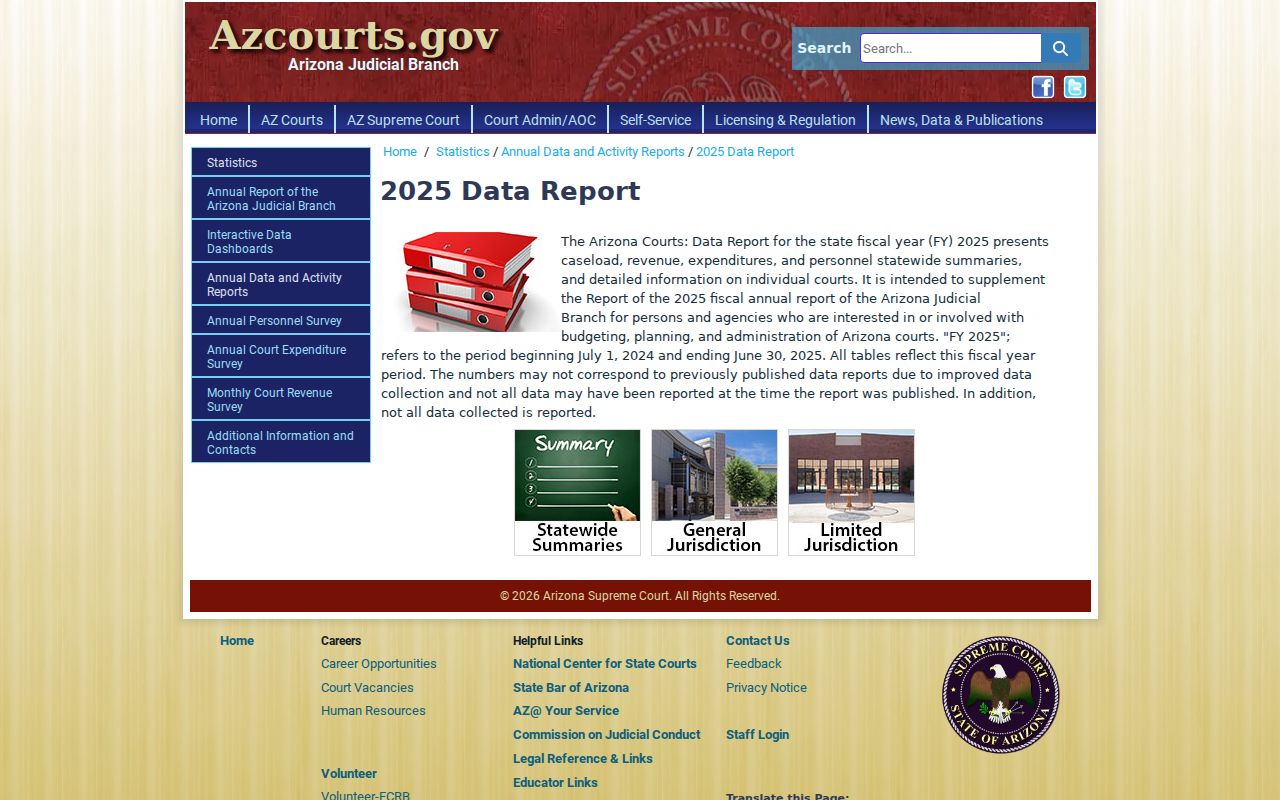
Online court data lives in statewide systems. The local court still speaks with final authority on any current Apache County event.
Statewide vs County Case Search
The search channels complement each other. Public Access is free and crosses participating Arizona courts. eAccess adds eligible Superior Court civil and criminal images. Apache County's calendar focuses on hearings, while the owning clerk supplies records that are excluded, older, unavailable online, or needed as certified copies.
| Channel | Best use | Limit |
|---|---|---|
| Public Access | Free name or number lookup | Weekly lag and excluded categories |
| eAccess | Superior Court event and document access | Account, fees, and coverage limits |
| Apache calendar | Superior Court setting check | Must be verified with the court |
| Owning clerk | Missing, old, lower-court, or certified record | Request steps and fees may apply |
Apache Superior Court appeals go to the Arizona Court of Appeals, Division One. The Division One clerk maintains that appellate layer.
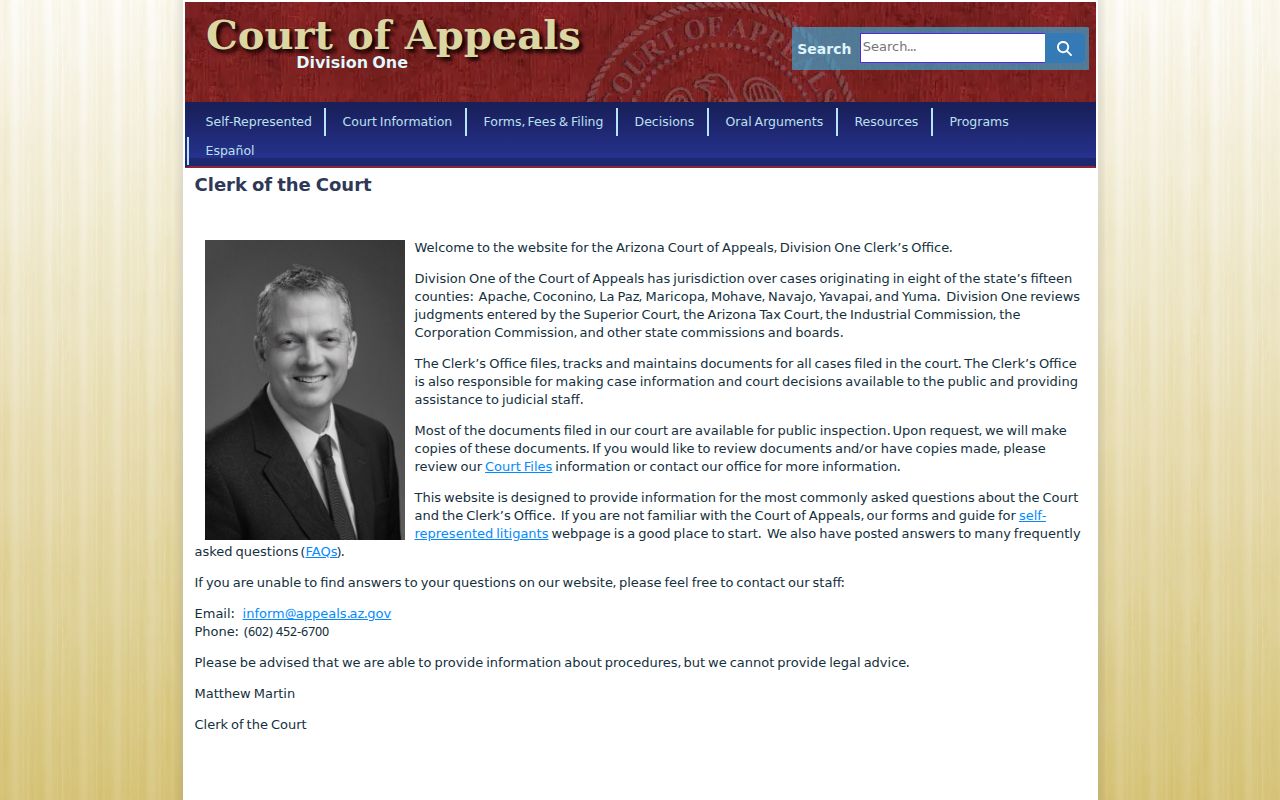
That appellate boundary marks where an Apache Superior Court matter leaves the county-level search path.
Apache County Missing Case Search
An empty result is not proof that no Apache County case exists. Before giving up, check the spelling, the case-number prefix, the court you picked, and the Friday-to-Wednesday update window. Coverage matters too. The Apache Superior Court online index reaches back to 1995. eAccess document images only begin July 1, 2010. Older or stored files may still exist at the clerk's office. Call ahead and ask about retrieval.
- Confirm the issuing court and exact number from the source document.
- Repeat the search with the Apache court selected.
- Check whether the case type is excluded from Public Access.
- Call the owning court, not merely the nearest courthouse.
- Use free courthouse self-search or the Clerk's fax, mail, or drop-off form when needed.
A "Document Not Available Online" notice only means the court does not offer the image through that screen. The filing itself still exists. Ask the clerk for a copy of the filed document.
Access and Restricted Cases
Public Access leaves plenty out. Sealed cases, orders of protection, mental-health and probate files, victim and witness data, most juvenile data, and local ordinance charges never appear there. Apache County also treats adoption, mental-health, and dependency files as closed unless a judge approves access. Rule 123 and specific Arizona statutes govern what gets released.
A blank result, in other words, can mean several things. It might point to an exclusion. But it might just as easily point to an old file, a lag in the docket, a misspelled name, or the wrong court. Absence alone never proves a case is sealed. Sealed-file access takes a written request to the judge. Apache County wants it to explain your interest and name the exact documents.
Arizona's lower courts keep upgrading their systems. The limited-jurisdiction eFiling list tracks which courts accept electronic filings. It shows Apache Justice Court adding civil, eviction, and small-claims filings in 2026.
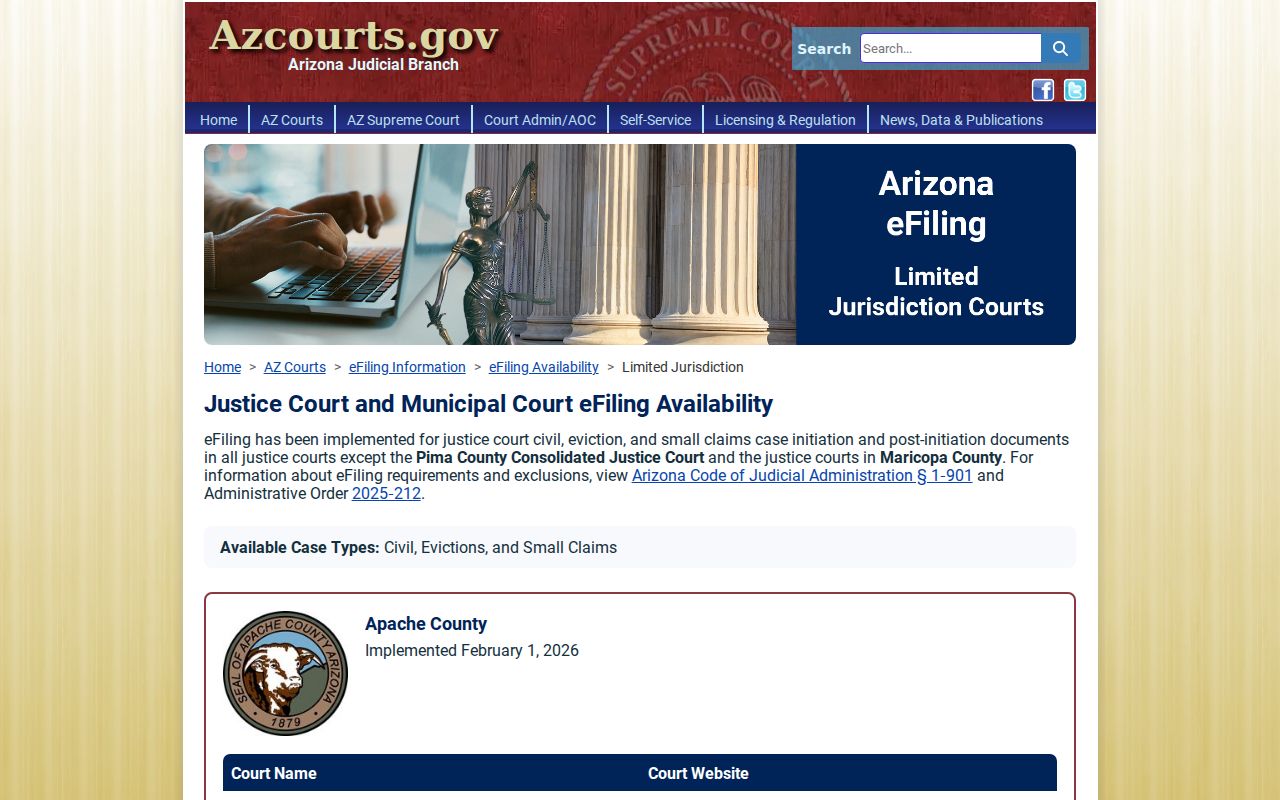
What that page shows is a filing channel, not a public reading portal. eFileAZ transmits papers to the court; it does not replace Public Access or the clerk.
Apache County Filing Versus Search
Three different tools, three different jobs. eFileAZ delivers new papers to a court, Public Access publishes selected case information, and eAccess provides eligible document images. A filing that goes through cleanly still promises neither an instant public search result nor a viewable image.
Apache County Clerk Case Search
Start by phone. Call 928-337-7550 for an Apache Superior Court file. Use 928-337-7204 when the unresolved issue is a Superior setting. The Clerk also allows free self-searching at the courthouse, 70 W. 3rd South in St. Johns. Staff research and copies need the official request form. It can be faxed to 928-337-2771, dropped off, or mailed with payment to PO Box 365, St. Johns, AZ 85936. Give the full case number, name, date range, and the exact item you want. Traffic, misdemeanor, small-claims, eviction, and city matters may sit with a separate Justice or Municipal clerk. The Northstar district location matters for routing.
For a document rather than a bare index entry, turn to the Apache County court records process. It walks through plain and certified copy choices. The phone route stays useful even when Public Access returns a match. A lower-court clerk can tell a Justice case from a Municipal case sharing one location. Superior Clerk staff know whether an older file must come from storage. The courtroom clerk handles an unresolved live setting. The records desk takes docket sheets, filed papers, and copy requests. Match your question to the right desk before paying.
The free courthouse self-search is another path whenever the online docket is not enough. Bring the case number or call ahead with it. Ask staff where the public search terminals sit and whether the file needs to be pulled from storage. If staff research is required, ask the fee first. Confirm the exact scope of the search before you authorize it.