
How to Search Civil Dockets
Begin with Arizona Public Access to Court Information. Enter a Last/Business Name, then add a first name, date-of-birth filters, or a court only if the results need narrowing. A known case number beats a name search. Keep the CV or C prefix and every digit intact. Choosing the Apache court cuts down false matches. Confirming the court location keeps the title and status trustworthy.
The free index refreshes weekly. It is neither complete nor official. Use this sequence to reach the real Apache County civil docket and confirm which Apache County court owns the case:
- Identify Superior Court or the originating Justice Court from the filed paper.
- Search Public Access by party name or the full civil case number.
- Open the matching case and read events in chronological order.
- Check service, answers, motions, hearing results, judgment, and later activity.
- Use eAccess or the owning clerk for the actual filing or certified judgment.
Companies go through the Last/Business Name field. Missing result? Before calling the clerk, check the spelling, the court filter, the number prefix, the update delay, and the case type.
Apache County Civil Docket Search Layers
Three electronic systems do different jobs. Public Access publishes free case information. Arizona eAccess supplies eligible Superior Court civil document images filed from July 1, 2010 forward. Two other tools, eFileAZ and AZTurboCourt, send filings to courts. They cannot replace an Apache County civil docket search. Treating a filing tool as a place to find records only wastes time.
| System | Function | What It Does Not Prove |
|---|---|---|
| Public Access | Free case and event index | An official or complete file |
| eAccess | Eligible paid Superior Court images | That every event has an online image |
| eFileAZ | Submission of court filings | Public access to the filed docket |
The official general-jurisdiction eFiling availability source lists which case types each filing system accepts.
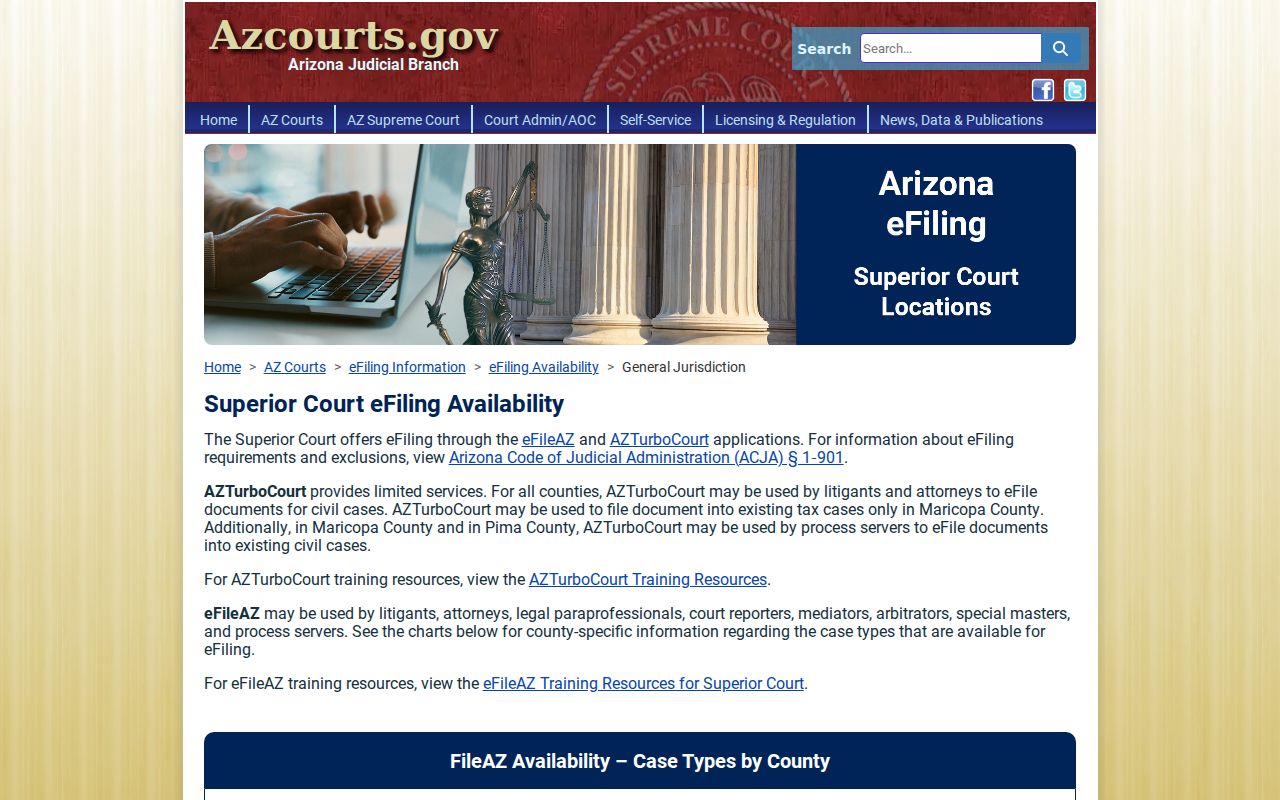
That page separates the filing route from the Apache County civil docket and document-reading routes.
What a Civil Docket Shows
Expect a case header, party and attorney data, a chronological Event Information list, and Hearing Information. Links or labels for documents appear too. All of it sits on an Apache County civil docket. Read service and responses before assuming a default. A motion is just a request. The order resolving it shows up as a later event. A hearing result describes what happened at one setting, not the final judgment.
| Case Information | Case number, filing date, title, category, status, court location, and judicial officer. |
|---|---|
| Parties | Public participants, their roles, and attorneys associated with displayed parties. |
| Event Information | Dated complaint, answer, motion, response, order, judgment, and later activity labels. |
| Hearing Information | Courtroom, setting date, hearing type, and result after entry. |
| Documents | A preview or purchase icon, or a notice that the document is unavailable online. |
A watermarked eAccess preview is an unofficial convenience copy. The free docket identifies a filing, but it never replaces the signed pleading, order, or judgment.
Apache County Civil Docket Limits
Which Apache County clerk owns the docket depends on civil jurisdiction. Superior Court takes general civil and equity cases, title and real-property matters, and anything beyond the lower courts. Justice Court civil jurisdiction reaches $10,000. Small claims sit under $5,000. Evictions also run through Justice Court. Family and probate belong to Superior Court, though probate is excluded from Public Access.
| Civil Track | Court | Search Consequence |
|---|---|---|
| General civil, equity, and real property | Apache Superior Court | Public Access, eligible eAccess images, or Superior Clerk |
| Limited civil through $10,000 | Originating Justice Court | Use that court's docket and clerk |
| Small claims under $5,000 | Originating Justice Court | Simplified track and limited review |
| Probate | Apache Superior Court | Excluded from Public Access; contact the Clerk |
A Municipal Court that takes civil traffic matters does not turn into a general civil court. To figure out which docket owns a case in Apache County, start with the citation or the filed paper itself.
Types of Civil Cases on the Docket
Civil dockets in Apache County run on several procedural tracks. Each has its own event sequence. General civil matters may involve contract, equity, or property claims. Limited civil cases stay with a Justice Court inside its money limit. Small claims follow a simplified process. Evictions move on a faster timetable. Superior Court holds family matters, while probate demands direct attention to confidentiality and portal limits.
- General civil and equity disputes
- Title and real-property matters
- Justice Court limited civil cases
- Small claims under the statutory limit
- Eviction cases
- Family and public domestic-relations events
Let the docket type shape where a case lookup goes. A case filed in a Justice Court stays on that court's docket, even if a statewide index first surfaces the matching name.
Apache County Civil Docket Inactive Calendar
Apache's published local rules set up an inactive-calendar sequence for Superior civil cases. If no Motion to Set and Certificate of Readiness has been filed within nine months, the case can land on the inactive calendar. Two more inactive months may pass. Then comes dismissal without prejudice. The Clerk must promptly notify counsel in writing when that happens. Those local rules are aged. Confirm current procedure with the Clerk.
- Motion to Set
- A filing asking the court to place the civil matter for trial.
- Certificate of Readiness
- A representation that the matter is ready to be set.
- Inactive calendar
- A procedural holding track for a case lacking the required readiness activity.
- Without prejudice
- A dismissal that is not a judgment on the merits and may allow later refiling.
An inactive entry is not a win for either side. On the Apache County civil docket, check for the notice, any response, and the later dismissal or removal order.
Apache County Civil Docket Numbers
Under Apache Local Rules, consolidated Superior civil cases run on the lowest case number. That number controls. Later papers are filed and docketed under it. A party searching only a higher companion number can miss later activity. Appeals work differently. A lower-court case can gain a new Superior Court identity. The originating Justice Court file keeps its own number.
When a known Apache County civil docket seems to stop, scan the event list for consolidation or transfer language. Ask the Clerk which number controls instead of guessing formats. Keep the prefix and all digits exactly as the source paper shows them. The statewide portal's separated prefix and number fields expect the number as issued. They do not expect a rewrite.
Note: A changed search route does not erase the underlying civil dispute. Earlier Apache County docket events remain part of the record.
Settings and Hearings on Civil Dockets
Hearing Information tells you the courtroom, the date, and the type of setting. It also shows any result the clerk has entered. Focus on the newest future setting, then check it against later orders. A “Motion: Continue” entry only asks the court to move a date. An order or an updated result shows the outcome. Older settings stay on the civil docket as history.
For planning, the official Apache Superior Court calendar is embedded on the county site. The county itself tells readers to call the Clerk with a case number. That call confirms full case information. St. Johns Justice Court posts recurring civil and bench trial settings too. The court is the authority on any one matter. The Apache County court calendar page helps tell a scheduled setting from a later reset.
One caution. A scheduling order can set deadlines a short result list omits. Read the filed order whenever a date or a duty matters.
Apache County Civil Docket Small Claims
St. Johns Justice Court lays out a small-claims path with real numbers. The complaint filing fee runs $40. The answer fee is $28. An answer is generally due within 20 calendar days after service. Or 30 days when service happens outside Arizona. Verify current fees and deadlines with the court before filing.
When no answer arrives, the Apache County civil docket may show an Affidavit of Default. A ten-day window to respond may follow, then a Motion for Entry of Default Judgment and a Statement of Costs. Settlement should end with a Notice of Voluntary Dismissal. A simplified small-claims decision is generally not appealable, unlike an ordinary civil Justice Court judgment. Read each entry for what it is. The first “default” label is not yet the final judgment.
Small-claims flow: Complaint › Service › Answer or Default Steps › Hearing or Judgment › Dismissal after Settlement
Apache County Civil Docket eFiling
eFileAZ changed the paperwork side of Apache County civil cases on February 1, 2026. That is when Apache Justice Courts started accepting electronic filing. Civil, eviction, and small-claims cases qualify. This covers the opening papers and anything filed later. It changes how documents travel. It does not change who keeps the file. The Justice Court where the case started still holds the official record. Public Access still works as an index you search. It is not a place you file.
The 2025–27 Apache court technology plan lists more projects too: back-scanning, database migration, and statewide integration. Better tools help. They do not promise that every older Apache County civil docket image is now online. Some files sit in storage. Images that are not available mean a trip or a call to the clerk. Keep the channels straight. eFileAZ sends a filing, Public Access finds case information, and eAccess sells eligible Superior Court images.
Note: An electronic filing confirmation is not proof. The Apache County civil docket may not have refreshed online yet.
Public Access to Civil Dockets
Two rules control what the public can see. Arizona Supreme Court Rule 123 governs access to judicial records. A.R.S. §39-121.01 covers preservation, inspection, and copies, within lawful limits and charges. Not everything appears in Public Access. Probate, mental-health, sealed, protection-order, victim and witness, and most juvenile data are excluded. Statutes also keep adoption and certain mental-health records confidential. No general request overrides a statute or a court order.
Key civil access rules:
Arizona Supreme Court Rule 123 governs access to court records and recognizes closed or confidential material.
A.R.S. §39-121.01 addresses record maintenance and prompt inspection or copies subject to lawful restrictions.
A.R.S. §8-121 makes adoption files and information confidential except through authorized access.
The official public-record statute source gives the statewide framework shown in the image below.
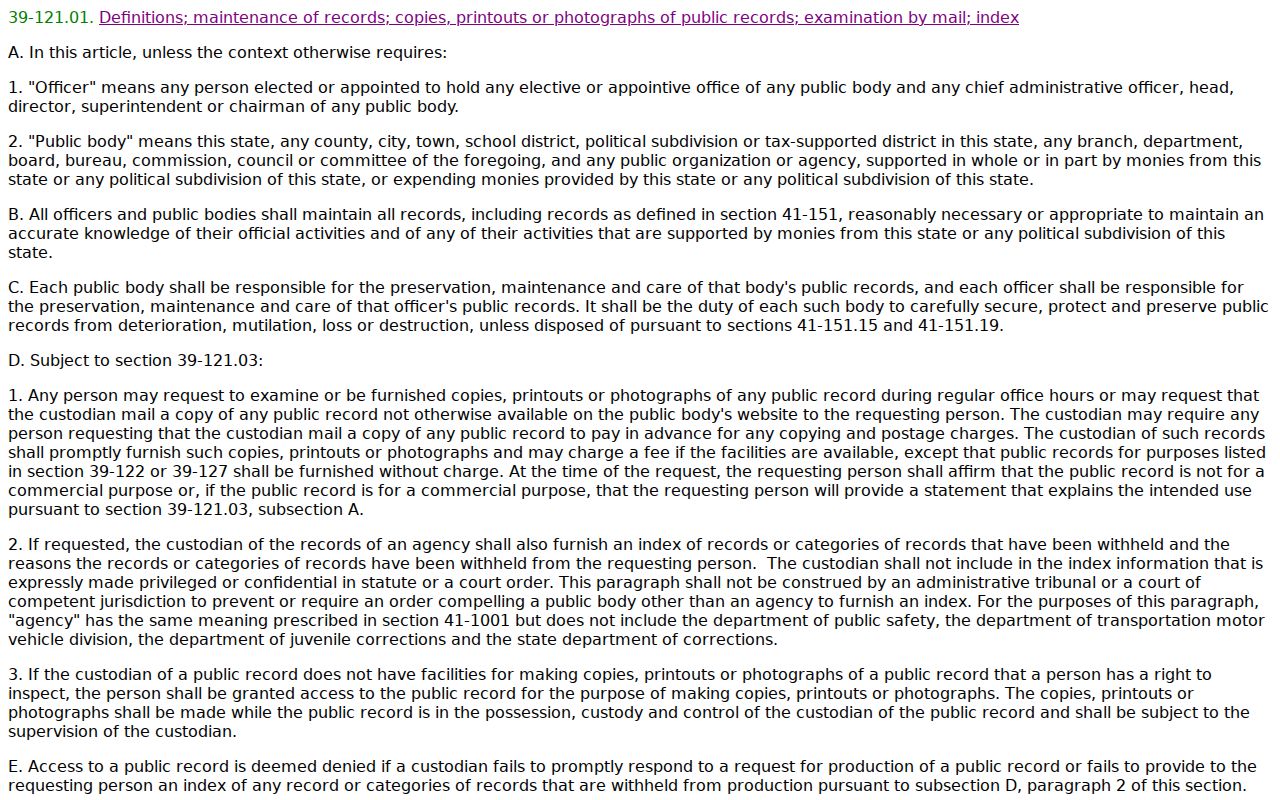
A statewide index is still not the certified Apache County civil docket. For the official copy, go to the clerk who owns the record.
Apache County Civil Docket Access Channels
When an online result is not enough, use every fallback. The Apache County Superior Court Clerk lets you search the courthouse yourself for free. Staff can also research or copy a known record through the official form. Fax it to 928-337-2771. Drop it off at 70 W. 3rd South in St. Johns, or mail it with payment to PO Box 365, St. Johns, AZ 85936. The Clerk records line is 928-337-7550.
Say exactly what you need. That might be the docket sheet, an event, a pleading, an order, or a judgment. Add the case number and party name. Include the date span that matters, your contact information, and how you want pickup. Expect three to five days for a typical response. Volume and stored files can slow things down. Copies run $0.50 per page. Certification is $35 per document. Clerk research beyond essential information costs $35. Confirm the current schedule, since older county information conflicts.
Justice Courts keep their own limited civil, small-claims, and eviction files. Call Northstar, Round Valley, or St. Johns directly. Do not ask the Superior Clerk to certify a lower-court record.
Apache County Civil Docket Record Boundaries
A civil docket covers one court record and nothing more. Lots of other files sit with different agencies, each under its own rules. A driving record is a good example. The Arizona MVD motor vehicle record page explains a state record. That record stays separate no matter whose name appears in both places. Matching names do not pull a state file into an Apache County civil case. The agency keeps its record. The court keeps the docket.
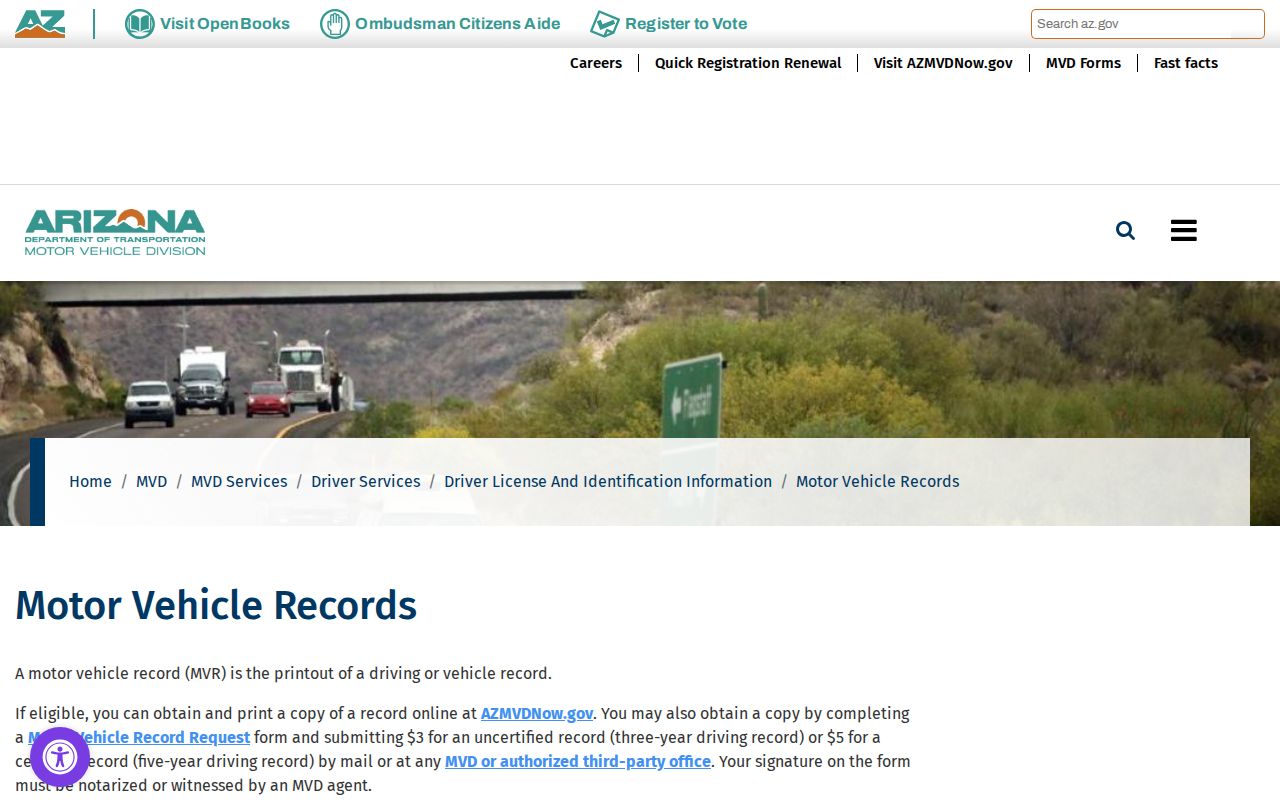
The lesson is simple. Ask the court for the Apache County civil docket. Ask each agency directly for its own records. Confidential case types add another layer. Under the official adoption-confidentiality statute, the state limits who may see adoption material. That statute governs what the clerk can release, regardless of how the request is made.
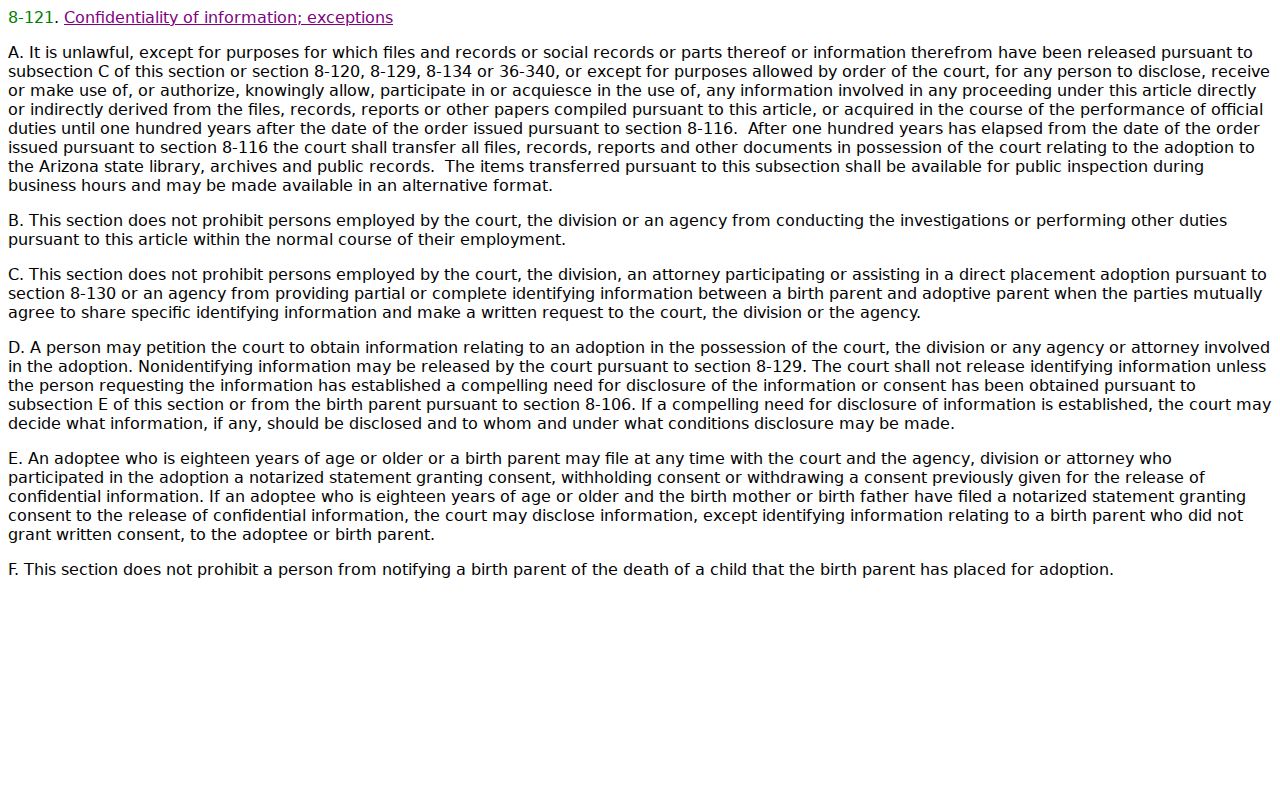
A routine Apache County civil docket request will not open adoption material. Access requires proper authorization or a court order, and the clerk will not bend that line.
Verify Apache County Civil Dockets
An event register maps the file. It does not replace every paper behind it. One lawsuit can show up as four separate events. A complaint, a response, a motion, and a signed order each get their own line on the Apache County civil docket. eAccess may provide an eligible image for a fee. The Clerk can supply a plain or certified copy. Keep in mind that a first-page watermarked preview is not a certified judgment.
Read past the first judgment label, too. Enforcement, consolidation, post-judgment motions, and appeals can all add later entries to the case record. To search by business name, party name, or number, the Apache County case search offers a field-by-field route. Need proof of an outcome? Request the precise signed judgment from the clerk that owns the case.
Note: Court location, full case number, and exact document title all help. They make an Apache County civil docket request faster and less prone to mismatch.